Tournoi Facile ·
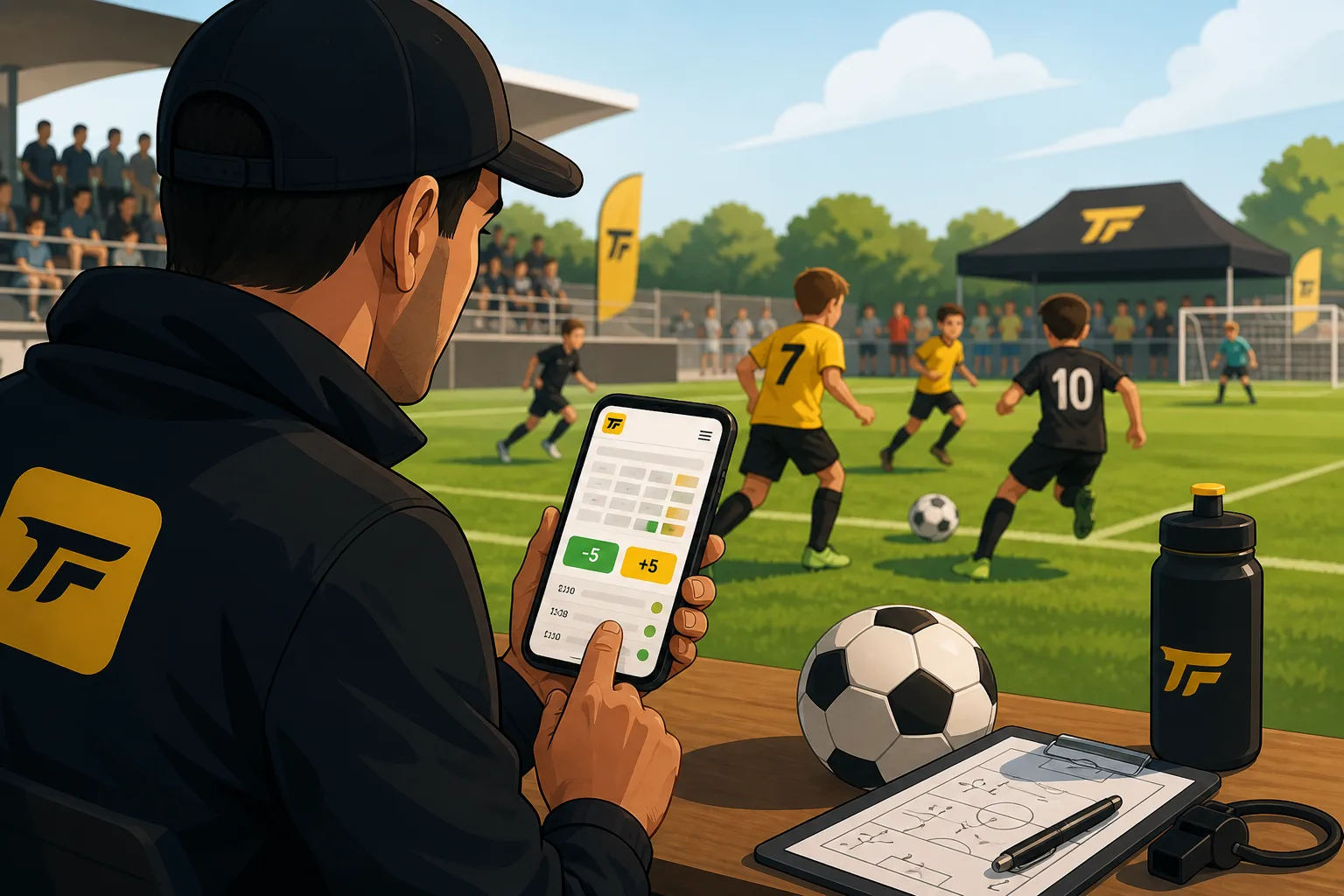
It’s Saturday morning, an U11 tournament, 9:15 a.m. On paper, everything looks perfect. 12-minute games, smooth rotations, a lunch break scheduled for 12:30 p.m. In reality, you’re already 10 minutes behind schedule. A misunderstanding about the kickoff, a ball that goes over the fence, a referee who takes a little too long to make a call. Nothing serious. But it all adds up. And by the third field, the schedule is already starting to fall behind. The problem isn’t the delay. It’s that no one really knows where you stand.
The real problem with an amateur soccer tournament
In a U9, U11, or U13 soccer tournament, everything moves quickly—until it doesn’t. The schedule posted in the morning becomes inaccurate without anyone officially saying so. And everyone starts improvising on their own.
“What time do we play?” “Normally 1:50 p.m.… ” “But they’re still playing the 1:20 p.m. game.” The result: coaches are grumbling because they don’t know when to start the warm-up, parents go out to grab a sandwich and miss the game, and you spend your time repeating the same information over and over. In most cases, we try to catch up. But in reality, we just have to deal with it. And that’s where real-time tournament schedule management becomes essential.
The “+5 minutes” button: one simple action, a tournament that runs smoothly
On a soccer tournament app like Tournoi Facile, you’ll find two very simple buttons: +5 minutes and −5 minutes. One click, and all upcoming matches are rescheduled. But what really makes the difference is what’s behind the scenes.
The system doesn’t just shift the schedule by an hour. It automatically recalculates the entire schedule, field by field, match by match. The sequence of events remains logical, breaks (lunch, rotations) aren’t skipped, and the tournament continues—but at the correct time. In practical terms, this saves you from having to recalculate by hand, make approximate announcements, or make corrections field by field. You’re at the sidelines. You click. The tournament adjusts itself.
A real-life example: an U11 tournament that goes off the rails (as always)
U11 tournament, 32 teams, 4 fields. Everything is going smoothly until the fourth game on Field 2. A goalkeeper takes a ball right to the head. Play is stopped. Check. Substitution. 10-minute delay. This delay spreads: Field 3 is on hold, Field 4 slows down. By 11:30 a.m., you’re behind schedule everywhere. Coaches start asking questions. Parents check their phones.
The organizer pulls out their phone. Two taps on “+5 minutes.” And just like that, silently: the matches shift from 11:40 a.m. to 11:50 a.m., the entire schedule updates automatically, and the finals stay on track. Best of all, parents see the change right away on their phones. “Oh, okay, so it’s at 2:25 p.m. now.” “Well, let’s hang out at the refreshment stand a little longer.” No stress. No crowd around the registration table. Just up-to-date information.
What Parents See (and Why It Changes Everything)
These days, at a soccer tournament, parents no longer have to stay glued to the field all day. They check the match schedules in real time on their phones. With tournament scheduling software, as soon as you make an adjustment: the schedules are updated on the public page, the matches display the new times, and the calendar remains consistent.
No need to notify everyone individually. No need for a WhatsApp group that’s constantly blowing up. The page becomes the go-to resource. And that completely changes the atmosphere of the tournament. An informed parent is a relaxed parent. A relaxed parent means a smoother tournament.
Synchronized vs. independent mode: two ways to manage your tournament
Depending on your soccer tournament, your needs will vary. In synchronized mode, all fields are aligned. When you click “+5 minutes,” the entire tournament shifts as a single unit. Ideal for a group lunch break, coordinated final rounds, or a well-timed awards ceremony. This is the easiest mode to manage.
In independent mode, each field progresses at its own pace. If one field falls behind, you don’t penalize the others. Perfect for tournaments with many fields, different age groups (U9, U11, U13), or varying game paces. You maintain flexibility without losing control.
Best Practices for Handling Tournament Delays
The “+5 minutes” button is simple. But when used correctly, it can really change your day. The key is not to wait until the delay becomes unmanageable. As soon as you see that things aren’t going to get back on track on their own, push the start time back. On the other hand, there’s no point in clicking it for just 2 minutes. The goal isn’t to be perfect, but to be clear.
When it comes to communication, keep it simple. One microphone, one sentence: “The games have been pushed back by 10 minutes; check the schedule online.” That’s it. The rest happens automatically.
The tool doesn't make the tournament, but it makes your life easier
Organizing a soccer tournament means being on the field—managing teams, talking to coaches, and handling unexpected issues. It doesn’t mean spending all day recalculating schedules. A tool like Tournoi Facile doesn’t replace the organizer. It just takes care of the things that waste your time and energy. The “+5 minutes” button isn’t magic. It’s just convenient, at the right moment.
If you’re organizing a soccer tournament—even a small one—give TournoiFacile a try. There’s a free plan to get you started, and on game day, the “+5 minutes” button will save you a lot of headaches. Less stress, fewer questions, and a tournament that stays under control even when it runs behind schedule.